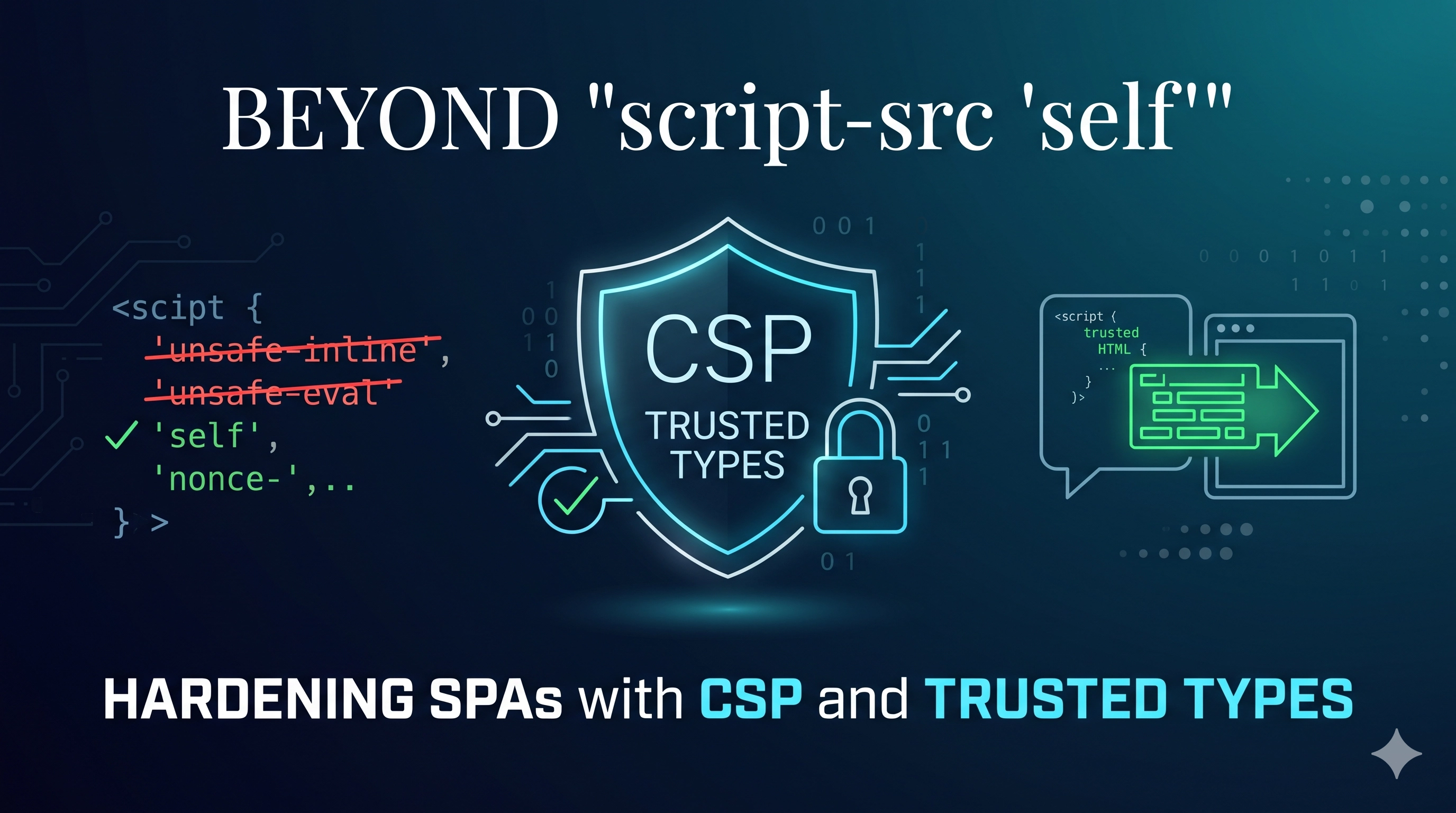
The Silent Killer: CSP Misconfigurations in Production SPAs
We’ve all been there: a new security header rolls out, promising to thwart Cross-Site Scripting (XSS) attacks, only for it to silently cripple parts of your Single Page Application (SPA) in production. Suddenly, components aren't rendering, analytics scripts fail to load, or some critical UI interaction just… stops working. The console screams Refused to execute inline script because it violates the following Content Security Policy directive..., leaving you scrambling to add unsafe-inline or unsafe-eval as a quick fix, thereby defeating the entire purpose of Content Security Policy (CSP).
CSP is an indispensable defensive engineering tool, but its implementation in modern, complex SPAs is fraught with subtle pitfalls. Relying solely on a basic script-src 'self' is often insufficient and can lead to fragile deployments. This post will delve into these common misconfigurations, expose their root causes, and demonstrate how CSP Level 3 with Trusted Types provides a production-grade solution to build truly robust and XSS-resistant frontends.
The Symptom: Hidden UI Breaks and Frustrating Debugging
The classic symptom is a feature that works perfectly in development but fails mysteriously in production environments with stricter CSP. You’ll see errors like:
Refused to execute inline script...: The most common, triggered by inline event handlers (onclick="..."), inline<script>tags injected by frameworks or third-party libraries, or dynamic script loading.Refused to load the stylesheet...: Similar to scripts, inline<style>blocks or dynamically injected styles can be blocked.Refused to connect to 'https://analytics.example.com'...: Third-party APIs or analytics endpoints blocked byconnect-src.- UI elements not appearing or behaving incorrectly: Often a secondary effect of blocked scripts or styles.
The frustrating part is that these issues might not manifest until specific user flows are hit, making them hard to catch in QA. The quick-fix impulse to liberalize CSP with unsafe-inline or unsafe-eval is dangerous; it effectively opens the door to XSS, negating the policy's benefits.
Root Causes: Beyond Basic CSP Directives
Many CSP failures stem from an incomplete understanding of how modern SPAs and their dependencies interact with browser security policies.
1. The Trap of Inline Scripts and Styles
Modern frontend frameworks (React, Vue, Angular) often use inline scripts and styles for critical functionality, component logic, or optimized hydration. For example, a React component might dynamically set styles, or a Vue component's template compilation might involve `eval()`-like operations:
<!-- This <script> block is 'inline' from CSP's perspective -->
<script>window.__INITIAL_STATE__ = { user: 'dratini' };</script>

<!-- Inline event handler -->
<button onclick="alert('Hello!');">Click me</button>

<!-- Dynamically injected <style> or <script> from a framework -->
<div id="root"></div>
<script src="/app.js"></script>
Even if /app.js is allowed by script-src 'self', any inline script or style it dynamically injects, or any existing inline content in your HTML, will be blocked unless explicitly allowed.
2. Third-Party Integrations and Dynamic Loading
Analytics, ad networks, payment gateways, and embedded widgets often load resources from their own CDNs or perform dynamic script injection. Without specific script-src, style-src, and connect-src directives for these domains, they will be blocked.
<!-- Example of a third-party analytics script -->
<script src="https://www.google-analytics.com/analytics.js"></script>
This requires careful auditing and whitelisting of every domain.
3. DOM XSS Sinks and the Limitations of Strict CSP Alone
While CSP's primary role is to restrict resource loading, it doesn't inherently prevent DOM-based XSS if an attacker can inject malicious strings into sensitive DOM APIs (like innerHTML, outerHTML, document.write, or eval()). A typical CSP might prevent an injected <script> tag from running, but it won't stop a malicious string passed to innerHTML from rendering dangerous HTML if it doesn't violate a resource loading directive.
// Potentially vulnerable JavaScript snippet
const userInput = '<img src=x onerror=alert("XSS!")>'; // Imagine this comes from user input
document.getElementById('content').innerHTML = userInput; // CSP won't stop this from rendering
The Production-Grade Fix: Granular CSP and Trusted Types
The solution involves a multi-pronged approach: fine-grained CSP directives, embracing nonces/hashes, and crucially, adopting Trusted Types for DOM XSS prevention.
1. Granular CSP with Nonces/Hashes and Reporting
Instead of blanket `unsafe-inline`, use nonces (cryptographic single-use tokens) or hashes for inline scripts and styles. Your server-side rendering (SSR) or build process generates a unique nonce for each request and embeds it in the HTML header and inline tags. Browsers will only execute scripts/styles with a matching nonce.
Content-Security-Policy:
  default-src 'self';
  script-src 'self' 'nonce-{{nonceValue}}' cdn.thirdparty.com;
  style-src 'self' 'nonce-{{nonceValue}}' styles.thirdparty.com;
  connect-src 'self' analytics.example.com api.example.com;
  object-src 'none';
  base-uri 'self';
  report-uri /csp-report-endpoint;
upgrade-insecure-requests;'self': Allows resources from the same origin.'nonce-{{nonceValue}}': A placeholder for your dynamically generated nonce. Each inline script/style tag should have a matchingnonce="{{nonceValue}}"attribute.- Explicitly list all trusted third-party origins for scripts (
cdn.thirdparty.com), styles (styles.thirdparty.com), and connections (analytics.example.com). object-src 'none': A strong defense against Flash/Java applet-based attacks.base-uri 'self': Prevents injection of malicious<base>tags.report-uri /csp-report-endpoint(orreport-to): This is crucial. It sends JSON reports of CSP violations to an endpoint you control, allowing you to identify and fix issues without blocking users. Always start withContent-Security-Policy-Report-Onlyin new rollouts.upgrade-insecure-requests: Forces HTTP requests to be upgraded to HTTPS.
For inline scripts and styles generated at build time (e.g., critical CSS), you can use SHA hashes. The browser computes the hash of the inline content and compares it to the hash in the CSP header.
2. Trusted Types: The DOM XSS Game Changer (CSP Level 3)
Trusted Types elevate CSP by preventing DOM XSS at its source. It forces developers to explicitly sanitize data before injecting it into dangerous DOM XSS sinks. When enabled, APIs like innerHTML will only accept TrustedHTML objects (and similar for URLs and scripts), not raw strings.
First, enable Trusted Types in your CSP header:
Content-Security-Policy:
  ...
  require-trusted-types-for 'script';
  trusted-types default dompurify-policy;
require-trusted-types-for 'script': Enforces Trusted Types for all script-execution sinks.trusted-types default dompurify-policy: Specifies allowed Trusted Type policies.defaultis often used for framework-level policies, anddompurify-policyfor third-party sanitizers like DOMPurify.
Then, create a Trusted Type policy in your JavaScript:
// Example: A simple policy that just returns the input string (for demonstration, NOT for untrusted input)
const bypassPolicy = window.trustedTypes.createPolicy('bypass', {
  createHTML: (html) => html
});

// A more realistic policy using DOMPurify for sanitization
const sanitizedPolicy = window.trustedTypes.createPolicy('dompurify-policy', {
  createHTML: (html) => DOMPurify.sanitize(html, { RETURN_TRUSTED_TYPES: true })
});

// Now, to set innerHTML safely:
const maliciousString = '<img src=x onerror=alert("XSS!")>';
const safeHTML = sanitizedPolicy.createHTML(maliciousString);
document.getElementById('content').innerHTML = safeHTML; // This is now safe

// Trying to assign a raw string will fail:
// document.getElementById('content').innerHTML = maliciousString; // TypeError: Failed to set the 'innerHTML' property on 'Element': This document requires 'TrustedHTML' assignment.
Trusted Types forces a shift in mindset: all strings that will be inserted into the DOM must pass through a trusted sanitization function or be explicitly marked as trusted. This makes it significantly harder for attackers to inject malicious code, even if they manage to control a string in your application.
Key Takeaways
- CSP is Powerful, but Nuanced: A basic
script-src 'self'is rarely enough for modern SPAs. - Avoid
unsafe-inlineandunsafe-eval: These directives negate CSP's security benefits. Leverage nonces for dynamically rendered inline content and hashes for static inline content. - Whitelist Everything: Explicitly define all trusted origins for scripts, styles, images, fonts, and connections. Don't forget
object-src 'none'andbase-uri 'self'. - Utilize Reporting: Use
Content-Security-Policy-Report-Onlyand areport-uriendpoint to safely detect violations before enforcing CSP in production. - Embrace Trusted Types: For the ultimate defense against DOM-based XSS, integrate Trusted Types. It forces explicit sanitization and makes your application much more resilient to injection attacks at the most vulnerable points.
- Iterate and Test: Implement CSP incrementally and test thoroughly across all application flows. Security is a continuous process, not a one-time configuration.
Be the first to leave a comment.
Leave a comment