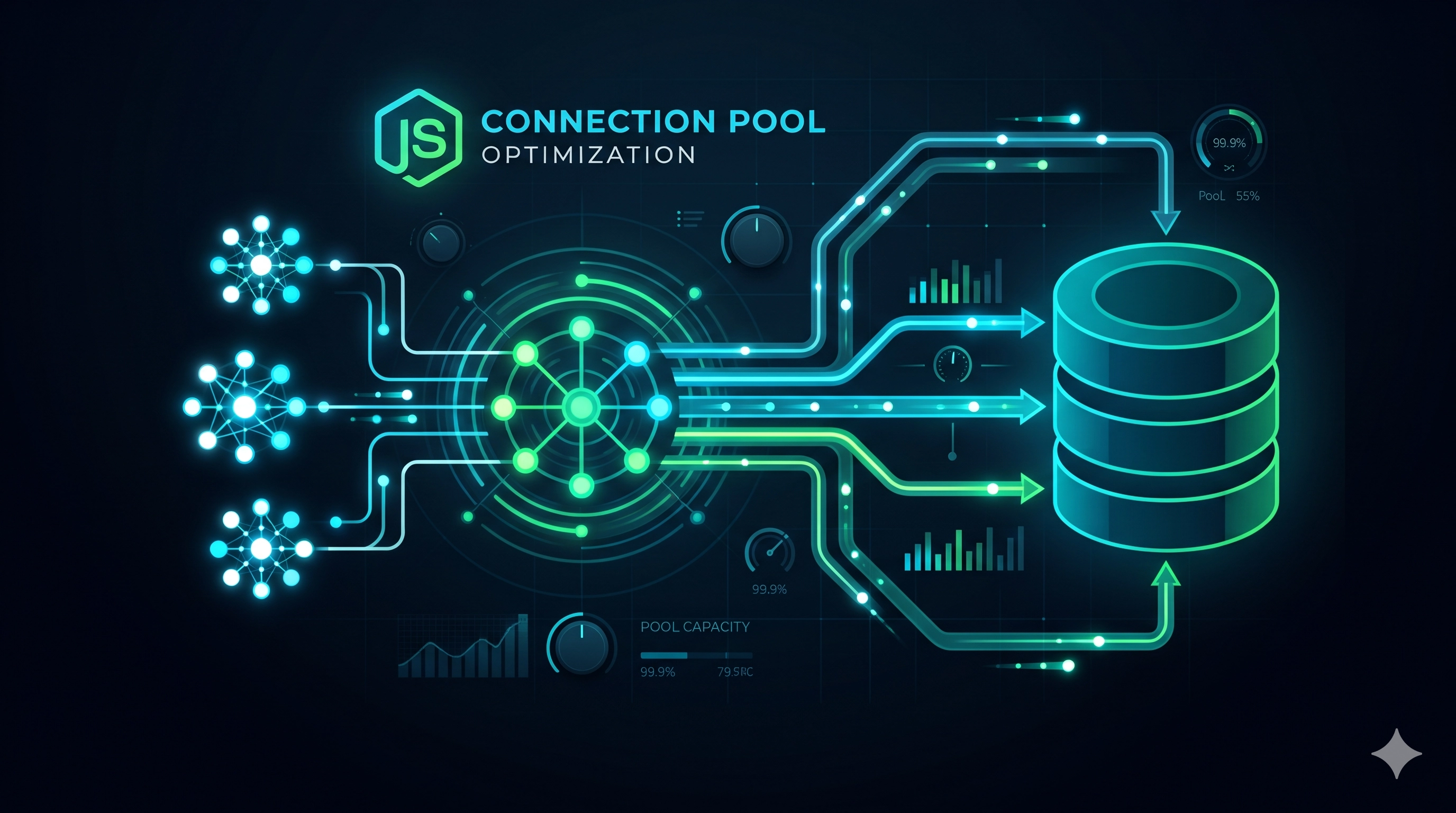
Introduction: The Double-Edged Sword of Connection Pooling
Database connection pooling is a cornerstone optimization technique in modern backend applications. Instead of repeatedly establishing and tearing down new connections for every database interaction—a costly operation involving TCP handshakes, authentication, and resource allocation—a connection pool maintains a set of ready-to-use connections. When your application needs to talk to the database, it borrows a connection from the pool, uses it, and then returns it. Simple, efficient, and typically a no-brainer for performance.
However, like any shared resource, a connection pool introduces its own set of complexities. Misconfiguring it can lead to subtle yet painful production issues, silently degrading performance, causing timeouts, or even bringing down your database server. In Node.js applications, where asynchronous I/O is paramount, these pitfalls can be particularly tricky to diagnose.
Today, we'll dive into the common connection pool catastrophes, how to identify their symptoms, understand their root causes, and implement production-grade fixes by correctly tuning your pool size.
The Silent Killer: Under-provisioned Pools
One of the most common pitfalls is configuring a database connection pool that is too small for your application's concurrency demands.
Symptoms
- High request latency, especially under moderate load.
- Occasional
ETIMEDOUTorConnection Timeouterrors reported by the application. - The database server appears to be running fine, with plenty of available CPU and memory, and a low number of active connections reported by the DB itself.
- Application-level metrics show long waits for database operations, but the actual query execution time is low.
Root Cause
When your application's concurrent requests for database operations exceed the maximum number of connections allowed by the pool, new requests are forced to wait. The connection pool essentially becomes a bottleneck. In Node.js, an asynchronous runtime excels at handling many concurrent I/O operations. If a large number of HTTP requests simultaneously trigger database queries, but the pool only has a few connections, most of these queries will be queued up.
Consider this simplified Node.js `pg` (PostgreSQL client) pool configuration:
const { Pool } = require('pg');

const pool = new Pool({
  user: process.env.DB_USER,
  host: process.env.DB_HOST,
  database: process.env.DB_NAME,
  password: process.env.DB_PASSWORD,
  port: process.env.DB_PORT,
  max: 5, // Dangerously small for typical web applications
  idleTimeoutMillis: 30000,
  connectionTimeoutMillis: 2000,
});

// Example usage in an Express route
app.get('/users/:id', async (req, res) => {
  let client;
  try {
    client = await pool.connect(); // Acquires a connection from the pool
    const result = await client.query('SELECT * FROM users WHERE id = $1', [req.params.id]);
    res.json(result.rows[0]);
  } catch (err) {
    console.error('Database query error:', err);
    res.status(500).send('Internal Server Error');
  } finally {
    if (client) {
      client.release(); // Releases the connection back to the pool
    }
  }
});
If five concurrent requests hit the /users/:id endpoint, and each takes 100ms to execute its query, any sixth request will wait for one of the initial five connections to be released. If the overall request processing takes longer (e.g., due to network latency, or application logic before/after the DB call), this wait time accumulates, leading to user-facing slowdowns and timeouts.
The Over-provisioned Nightmare: Resource Exhaustion
Conversely, setting the pool size too high can be equally, if not more, catastrophic.
Symptoms
- Database server CPU spikes, high memory usage, and increased disk I/O.
- Frequent
too many connectionserrors on the database server. Connection refusederrors from the application.- Overall database instability, leading to cascading failures across services.
- Even with moderate application load, the database struggles to keep up.
Root Cause
Every active connection, even if idle, consumes resources on the database server. This includes memory (for connection buffers, session state), CPU (for managing the connection, context switching), and potentially file descriptors. If you have too many connections, your database server can quickly become overwhelmed, leading to resource exhaustion. This is especially problematic when you run multiple application instances, each with its own large connection pool.
Imagine this pool configuration:
const { Pool } = require('pg');

const pool = new Pool({
  user: process.env.DB_USER,
  host: process.env.DB_HOST,
  database: process.env.DB_NAME,
  password: process.env.DB_PASSWORD,
  port: process.env.DB_PORT,
  max: 200, // Potentially too large
  idleTimeoutMillis: 30000,
  connectionTimeoutMillis: 2000,
});
If you deploy 10 instances of this Node.js application, your database might suddenly see a potential for 2000 concurrent connections (10 instances * 200 connections/instance). Most databases cannot handle this many connections efficiently, if at all. PostgreSQL's default `max_connections` is often 100, and MySQL's `max_connections` is typically 151. Exceeding these limits, or even approaching them too aggressively, will cause severe performance degradation and service outages.
Finding the Sweet Spot: Tuning Your Pool Size
Tuning a connection pool is more art than science, but it's grounded in understanding your application's concurrency and your database's capabilities.
Node.js Specifics
Unlike traditional multi-threaded applications where a common heuristic is `(core_count * 2) + effective_spindle_count`, Node.js operates on a single-threaded event loop per process. While it's highly efficient for I/O-bound tasks, the number of *actively executing queries* at any given moment from a single Node.js process is not directly tied to CPU cores in the same way. The key is to match the pool size to the maximum number of simultaneous active database queries your *single application instance* is likely to issue.
Key Metrics for Tuning
- Application Concurrency: How many simultaneous active database requests can a single instance of your Node.js application reasonably expect? This isn't just about HTTP requests; it's about requests that actually need a live database connection for query execution.
- Database Server Capabilities: What are your database's
max_connections, available CPU, memory, and I/O throughput? - Average Query Execution Time: Longer queries tie up connections for longer, increasing demand on the pool.
- Connection Queue Length: How many requests are waiting for a connection from the pool? This is a critical indicator.
Practical Approach
Start Conservatively: Begin with a reasonable default, such as
max: 10-20for a typical Node.js web service instance. This is often a good balance for I/O-bound applications.Monitor Application Pool Stats: Most connection pool libraries expose internal metrics. For
pg-pool, you can monitorpool.totalCount(total connections),pool.idleCount(idle connections), and critically,pool.waitingCount(clients waiting for a connection).const { Pool } = require('pg'); const pool = new Pool({ user: process.env.DB_USER, host: process.env.DB_HOST, database: process.env.DB_NAME, password: process.env.DB_PASSWORD, port: process.env.DB_PORT, max: 10, // Start here idleTimeoutMillis: 30000, connectionTimeoutMillis: 2000, }); // Monitor pool stats setInterval(() => { console.log(`Pool Stats: total=${pool.totalCount}, idle=${pool.idleCount}, waiting=${pool.waitingCount}`); if (pool.waitingCount > 0) { console.warn('Clients are waiting for a database connection! Consider increasing pool.max or optimizing queries.'); } }, 5000); // Ensure graceful shutdown process.on('SIGTERM', async () => { console.log('Shutting down: draining database pool...'); await pool.end(); console.log('Database pool drained. Exiting.'); process.exit(0); });Monitor Database Server: Track
client_connections(PostgreSQL) orThreads_connected(MySQL) against the database'smax_connectionslimit. Also, keep an eye on database CPU, memory, and I/O utilization.Load Test and Iterate: Gradually increase your pool size (e.g., from 10 to 15, then 20) while observing the metrics from both your application and your database under realistic load. The goal is to minimize
waitingCountwithout overwhelming the database.Consider Number of Application Instances: If you have 'N' instances of your Node.js application, the *total* connections to the database will be
N * pool.max. Ensure this total doesn't exceed your database's comfort zone, let alone its hard limit.Fine-tune Timeouts:
idleTimeoutMillis(how long an idle connection stays in the pool before being closed) andconnectionTimeoutMillis(how long to wait for a connection from the pool before throwing an error) are crucial. SetconnectionTimeoutMillisto a value slightly less than your application's overall request timeout to provide a more meaningful error to the client.
Production Lessons and Trade-offs
Per-Process vs. Total Connections: Always think about the aggregate. A
max: 20pool size is fine for one instance, but for 50 instances, that's 1000 connections, potentially a disaster.Heterogeneous Workloads: If your application has vastly different database needs (e.g., many fast read queries vs. a few long-running analytics queries), consider separate connection pools or even routing long-running queries to read replicas.
Monitoring is Non-Negotiable: Set up alerts for high
waitingCount, database connection count approachingmax_connections, and sudden spikes in DB resource utilization. Proactive monitoring can turn a potential outage into a minor adjustment.Graceful Shutdown: Ensure your application gracefully drains and closes its database connection pools during shutdown to prevent leaving orphaned connections open on the database server.
Beware of Transaction Leaks: If you acquire a client from the pool and start a transaction but forget to commit or rollback (and release the client), that connection will be held indefinitely, reducing the effective pool size. This is a common bug and can be very hard to track down.
Key Takeaways
- Database connection pooling is a powerful performance tool, but it's a double-edged sword.
- An under-provisioned pool leads to application-side bottlenecks, high latency, and timeouts, even if the database is healthy.
- An over-provisioned pool can overwhelm your database server, causing resource exhaustion, instability, and global service outages.
- Tune your pool size iteratively, starting conservatively and increasing based on actual application concurrency, database capacity, and critical monitoring metrics like connection queue length.
- Always consider the total number of connections across all your application instances.
- Robust monitoring and a clear understanding of your database workload are paramount for maintaining stability and performance in production.
Be the first to leave a comment.
Leave a comment