What are Webhooks and How They Power Modern Applications?
In today's interconnected digital world, applications constantly need to talk to each other. Whether it's updating a project management board when a code change is pushed, notifying a team chat about a new customer signup, or triggering an email campaign after a purchase, real-time communication is key. While APIs provide a powerful way for applications to request information, webhooks offer an even more immediate solution: they enable applications to push information to each other automatically when specific events occur.
What Exactly is a Webhook?
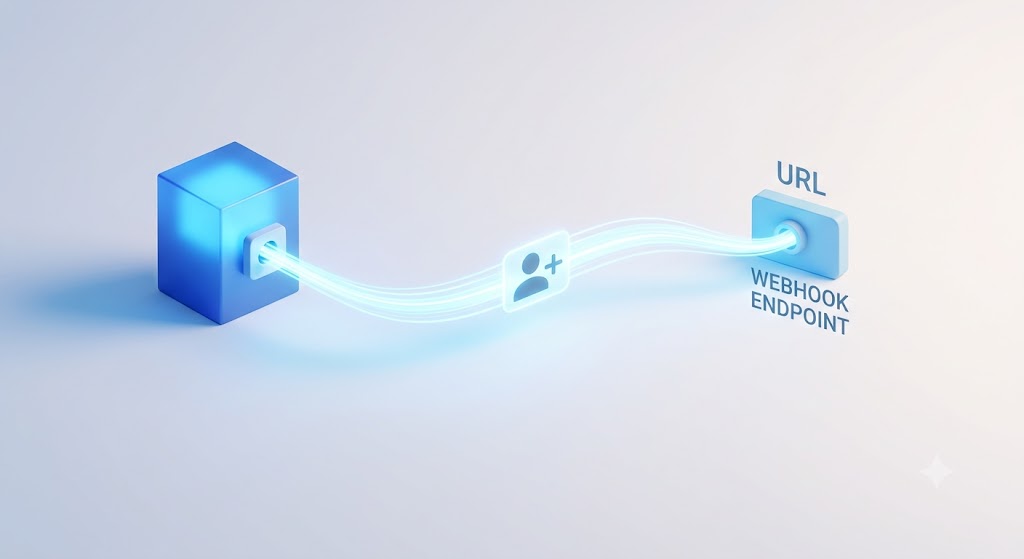
At its core, a webhook is an automated message sent from an application when a specific event happens. Think of it as a "user-defined HTTP callback." When you register a webhook with a service, you essentially tell that service: "Hey, if X happens, send a notification (usually an HTTP POST request) to this specific URL." That URL is your application's "listener," waiting to receive and process these incoming messages.
How Do Webhooks Work? The Push vs. Pull Model
To understand webhooks better, it's helpful to compare them with the more traditional API polling method:
- Polling (Pull Model): In a polling scenario, your application repeatedly asks another service, "Has anything new happened yet?" This is like continuously refreshing a webpage to see if there's new content. It can be inefficient, as most requests might find no new data, wasting resources for both applications.
- Webhooks (Push Model): With webhooks, your application doesn't have to ask. Instead, the service pushes a notification to your application only when an event you care about occurs. This is like getting a text message notification when someone replies to your comment – you don't have to keep checking.
When an event triggers a webhook, the source application typically sends an HTTP POST request to the URL you provided. This request contains a payload, usually in JSON format, detailing the event that just happened. Your application then receives this request and processes the data accordingly.
Key Benefits of Using Webhooks
- Real-time Updates: Webhooks provide instant notifications, allowing for immediate reactions to events as they happen.
- Increased Efficiency: They eliminate the need for constant polling, saving bandwidth and processing power for both the sending and receiving applications.
- Simpler Integrations: Many services offer webhooks as a straightforward way to integrate with external systems, often requiring less complex setup than full API integrations for specific event-driven tasks.
- Automation: Webhooks are foundational for creating automated workflows, connecting disparate services to work together seamlessly.
Common Use Cases and Examples
Webhooks are everywhere in modern applications. Here are a few examples:
- GitHub: When a new commit is pushed to a repository, a webhook can notify a CI/CD pipeline to start building and testing the code.
- Slack: Incoming webhooks allow external services to post messages into Slack channels, perfect for system alerts or status updates.
- Stripe: Stripe uses webhooks to notify your application about payment events like successful charges, failed payments, or subscription changes.
- Zapier/IFTTT: These automation platforms heavily rely on webhooks to connect thousands of apps, allowing users to create "If This Then That" workflows without writing any code.
Security Considerations
While powerful, webhooks also introduce security considerations. Since they involve one application sending data to another, it's important to:
- Use HTTPS: Always ensure your webhook endpoint uses HTTPS to encrypt the data in transit.
- Verify Signatures: Many services include a digital signature or hash in the webhook payload. Your application should verify this signature to ensure the request truly came from the expected source and hasn't been tampered with.
- Validate Payloads: Always validate the incoming data to prevent malicious payloads from exploiting vulnerabilities in your application.
- Implement Rate Limiting and Monitoring: Protect your endpoint from abuse or denial-of-service attacks.
Key Takeaways
- Webhooks are automated HTTP POST requests sent by a service when a specific event occurs.
- They represent a "push" model of communication, contrasting with the "pull" (polling) model of traditional APIs.
- Benefits include real-time updates, increased efficiency, and enabling seamless automation between applications.
- Commonly used in services like GitHub, Slack, and payment gateways like Stripe.
- Security measures like HTTPS, signature verification, and payload validation are crucial when implementing webhooks.
Be the first to leave a comment.
Leave a comment